Design a work corner with soft acoustics, task lighting, and storage that keeps focus — and style — intact.
By Nestlyra Editorial4 min read
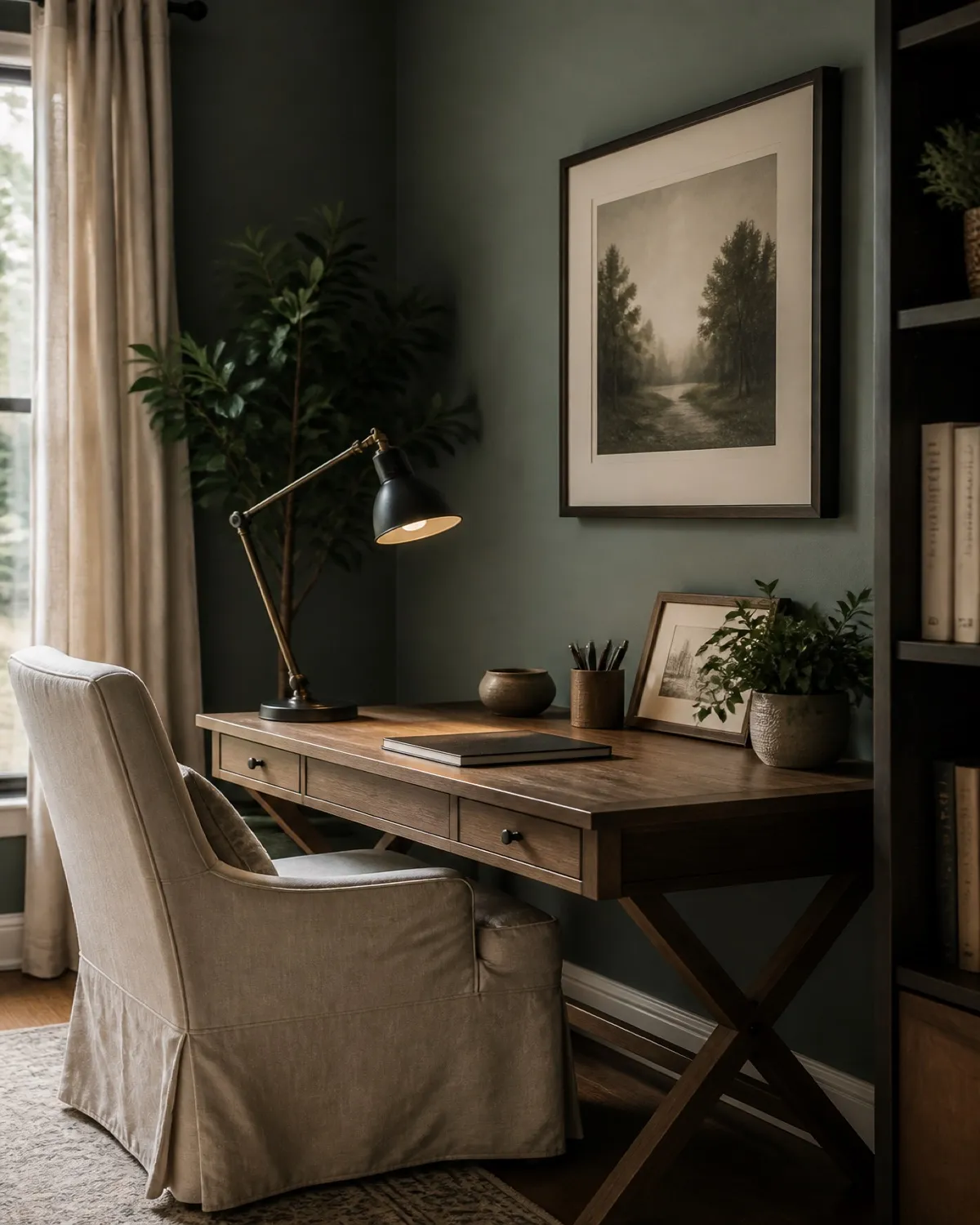
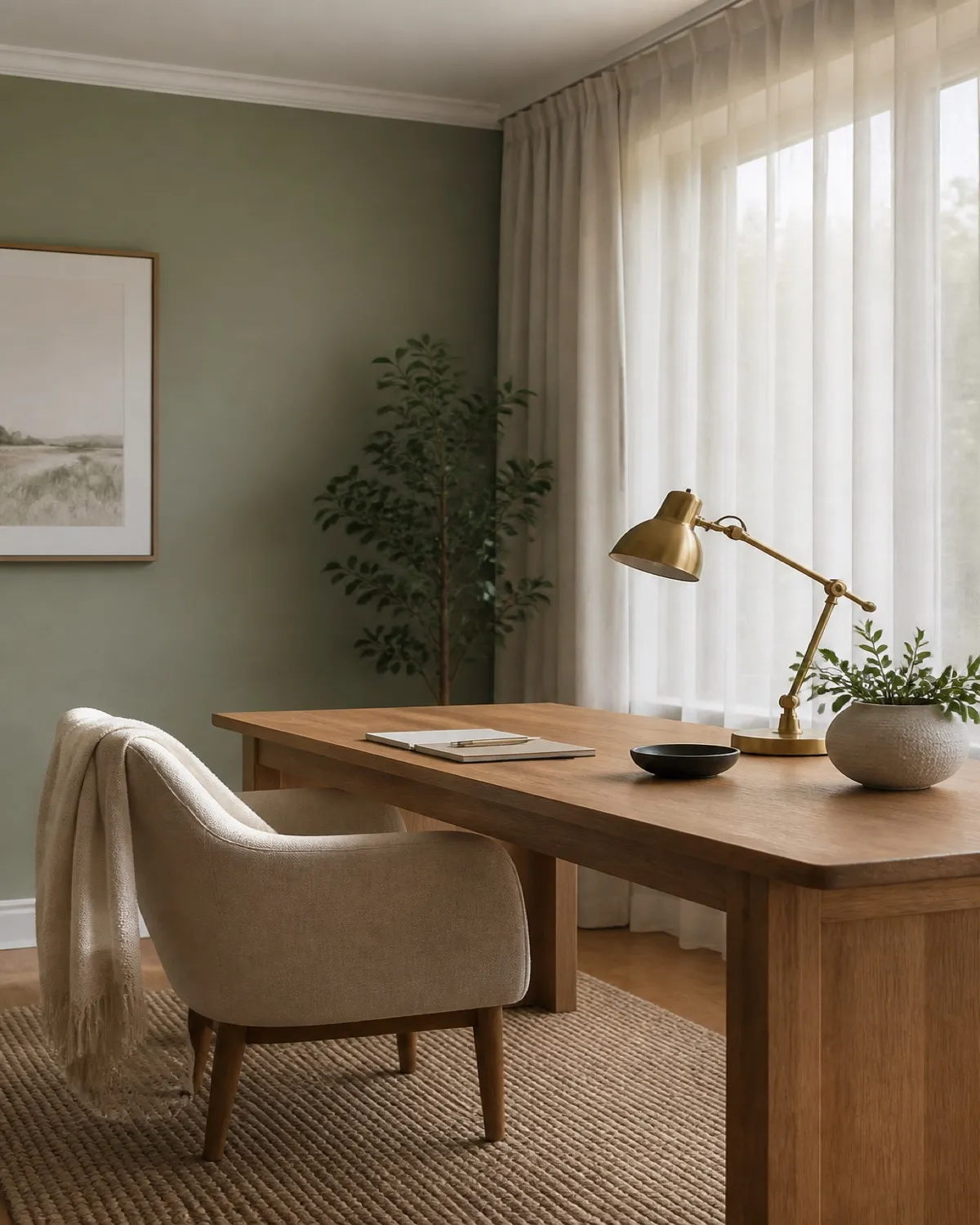
A home office should feel like a room you choose to enter — not a leftover corner of guilt. Soften the productivity aesthetic with material warmth.
Prioritize task light
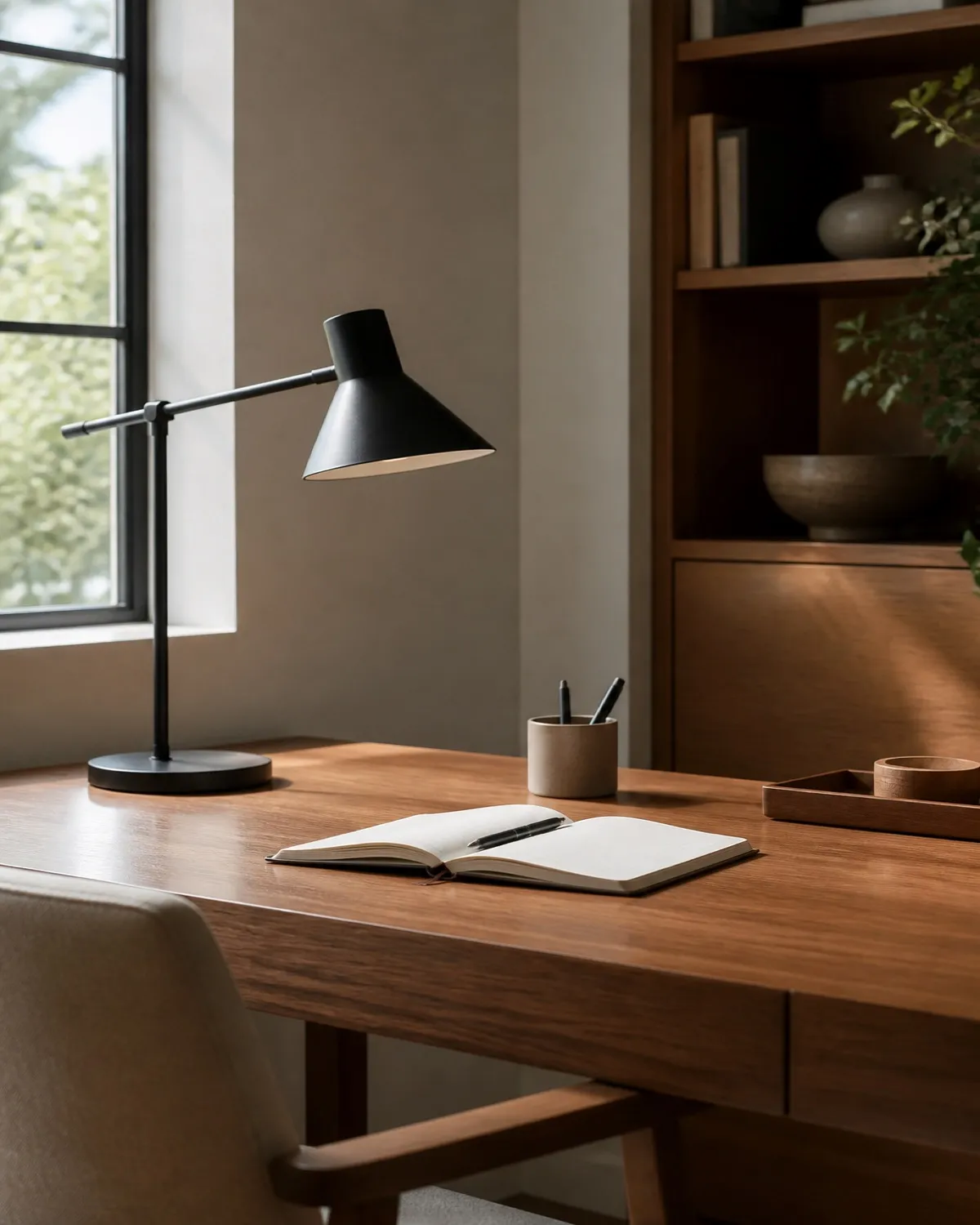
Place a lamp on the opposite side of your writing hand to reduce shadows. Warm LEDs keep late sessions from feeling clinical.
A clamp-on lamp with a wide, dual-direction panel can light the page and soften the wall behind you — so the desk stays clear and the light stays kind on camera.
If laptop and monitor share the desk, a wider three-bar lamp can cover both from behind the screens. Keep the base out of the writing zone and warm the light down so late sessions still feel residential.
Task light still leaves a cave if the rest of the room is dark. Park a slim corner floor lamp off the desk for ambient fill — this 53.7-inch Govee RGBIC lamp is listed at up to 1,000 lumens and is meant for corners, not for lighting the page.
Hide the cable story
A single tray, a cable sleeve, and one grounded power strip do more for calm than another decorative object.
Park that strip under the desk or at the far edge — not in the writing zone. A compact GaN hub can feed the lamp, monitor, and laptop from one cord; keep any indicator glow below the lip so the room still feels residential.
If the desk itself has outlets at the far edge, the keyboard zone stays clear and the room looks less like a temporary workstation. Use the extra width only if two screens actually need it — then leave the rest empty.
A single dock does the same for the laptop: one cable in the morning instead of a pile of adapters. Keep it at the charging edge so the writing surface stays clear.
Choose a chair you will actually use
Beauty matters, but lumbar support decides whether the room gets used. Cover a practical chair with a textured throw if the silhouette feels office-cold.
A monitor that sits too low makes you hunch; a stand that sits on the desk steals the writing zone. A clamp-on arm sets eye height and returns the surface to lamp and notebook. Dual screens share one base; one ultrawide uses a single arm.
A single large or curved display can use one arm instead, with USB in the base so charging does not add another brick.
If you cannot clamp an arm, a pair of metal risers still lifts the screens. Drawers underneath keep pens off the desktop so the corner stays residential.
If you work from a laptop, raise that screen too. A compact aluminum stand puts the lid at eye height so the chair and lamp can do their jobs — and you are not folded over a machine lying flat.
Give paper a closed home
A focused office still fails if mail and chargers live on the desktop. Drawers in the desk itself keep the surface residential — and a little rattan or cane keeps the silhouette from looking like a cubicle.
Add one living element
A plant or a small vase of branches interrupts the rectangle of screens and papers. Nature cues a gentler pace between deep work blocks.
Close the office at day’s end
A tray for active papers and a habit of shutting the laptop transform the room back into home.