Minimalist Desk Setup Ideas for Productivity
Minimalist desk setup ideas for productivity — clear surfaces, task lighting, cable calm, and focus-friendly edits.
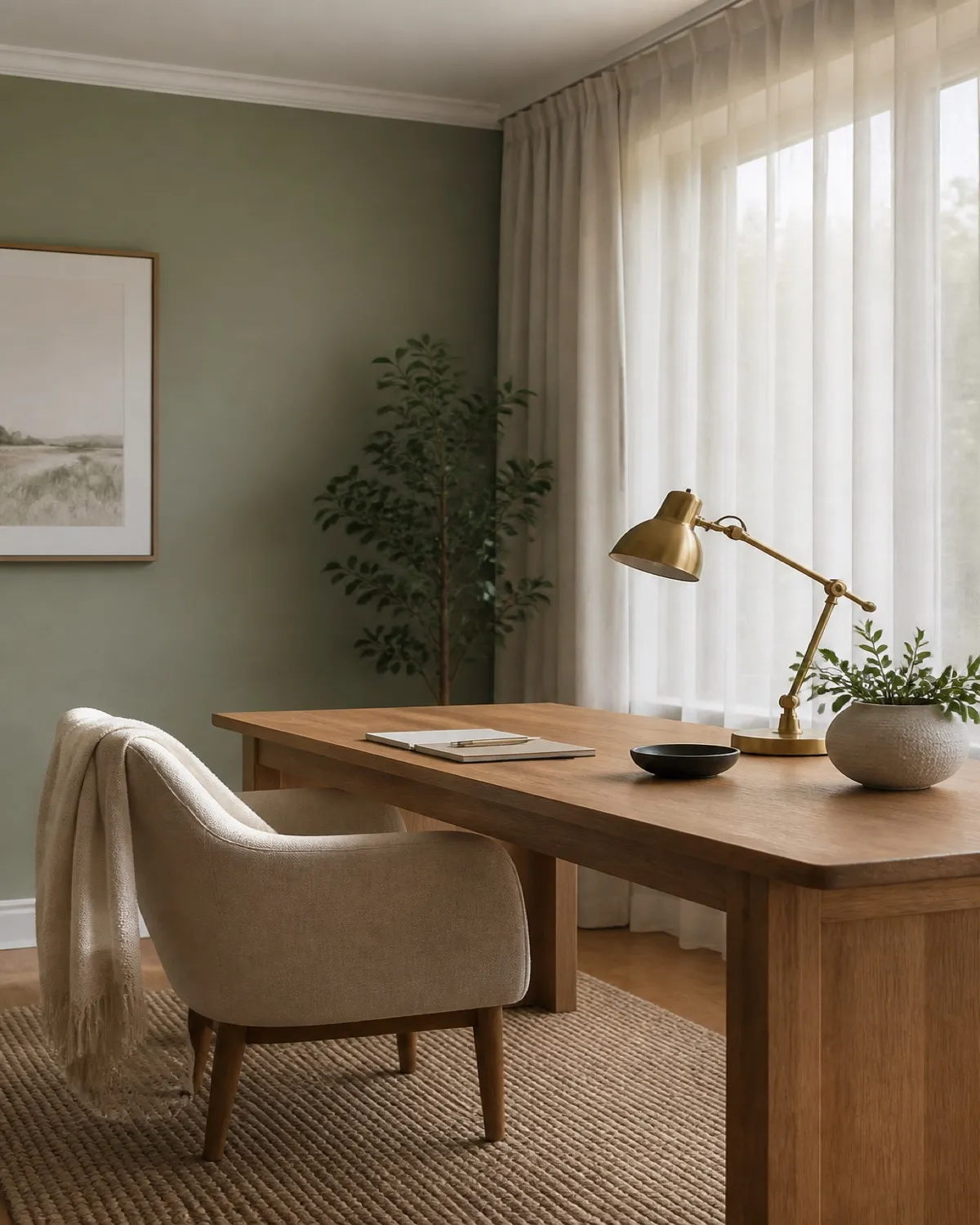
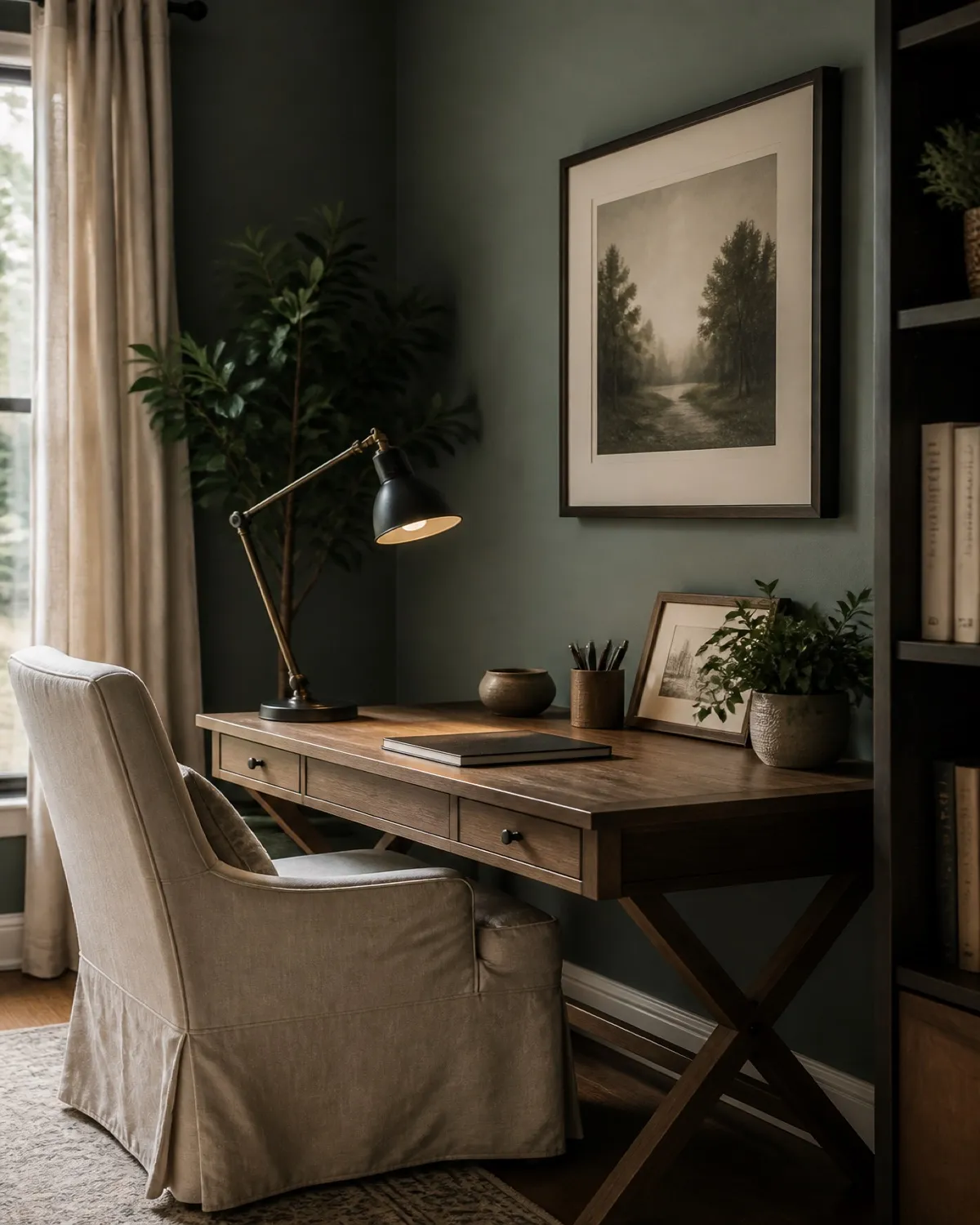
A minimalist desk setup is not an empty table with a laptop in the center. It is a work surface with a job: hold only what supports the next hour of attention. At Nestlyra, productivity and calm are the same design problem — fewer decisions on the desktop, clearer light, and storage that keeps tools nearby without displaying every pen you own.
This guide focuses on the desk itself: layout, lighting, tech, and reset habits. For the wider room, see beautiful home office setup ideas and a focused home office without the sterile look.
Why minimalism helps productivity
Every object in your peripheral vision is a tiny open loop. A crowded desk multiplies micro-distractions glances. A minimalist surface reduces that noise so your brain spends less energy filtering and more energy finishing.
Minimal does not mean joyless. One good lamp, one notebook, and honest materials can feel warmer than a desk stacked with “motivational” clutter.
The core rule: one active zone
1. Define the keyboard rectangle
Your primary zone is where hands work: keyboard, trackpad or mouse, and a small writing pad if you take notes. Everything else is secondary and should not invade this rectangle during focus blocks.
2. Cap visible objects at five or fewer
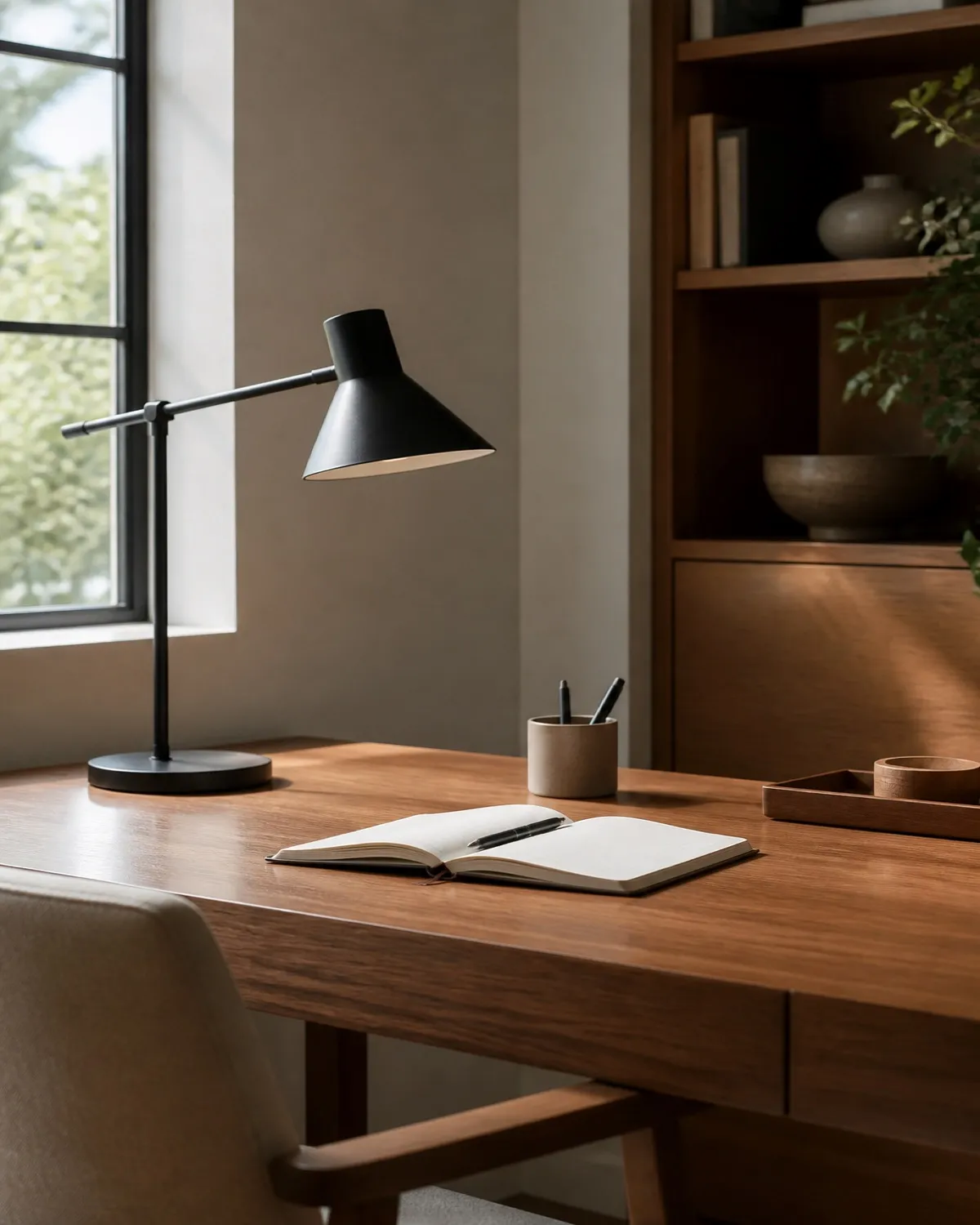
A practical Nestlyra limit for deep work: screen, lamp, notebook, water, one tool tray or pen. If you cannot name why an item is on the desk today, it moves to a drawer.
3. Use a landing strip, not a landfill edge
Leave a clear strip at the front or side for coffee and incoming paper — then empty it on a schedule. Without a border, the whole desk becomes temporary storage.
Layout ideas that protect focus
4. Place the lamp opposite your writing hand
Shadows fall away from the page and keyboard. Task light is a productivity tool first; beauty follows when the arm and shade are simple.
A clamp-on lamp can sit at the desk edge and still reach the writing zone — so the keyboard rectangle stays empty and the light still does its job.
5. Keep the monitor at a calm height and distance
Eyes level with the top third of the screen, arms relaxed. A monitor that is too low or too far creates fidgeting — the enemy of a minimalist session.
A clamp-on arm does the height work without a bulky stand occupying the keyboard rectangle. Dual screens share one base; a single ultrawide gets one arm. Route cords through the channel so the desk stays a surface, not a tripod farm.
If you run one large or ultrawide display instead, a single arm with USB in the base does the same edit — height without a stand, charging without a second brick on the surface.
If a clamp is not an option, a pair of metal risers still sets eye height. Mesh drawers under each screen hide pens and extras so the writing zone stays at five objects.
If the laptop is the screen, raise it too. A compact aluminum riser puts the lid at eye height so you type on a separate keyboard in the rectangle — not hunched over a machine lying flat.
6. Align edges into a quiet geometry
Monitor, lamp base, and notebook stack should share parallel lines. Random angles look unfinished and invite “just one more” object to fill the gaps.
7. Prefer a narrower desk if it stays clearer
A wide desk feels luxurious until it fills with projects. Many people focus better on a modest surface with closed storage beside it than on a sprawling landscape of half-done tasks.
A 56-inch desk with drawers built in does both jobs: enough room for a monitor and notebook, and a place for paper to disappear so the work plane can stay at five objects.
If dual monitors actually need the extra width, a long desk with charging built into the far edge can work — provided the extra plane stays empty. Width is only useful if it does not become storage.
Lighting and screen calm
8. Warm task light beats overhead glare
Overhead fixtures flatten the room and create screen reflections. A single warm directional lamp plus soft ambient light supports longer sessions without eye strain theatrics.
Choose a lamp you can dim and warm down for evening work. Clamp it to the desk edge so the keyboard rectangle stays empty, or use the weighted base only when you need to move it.
If laptop and monitor sit side by side, a wider three-bar lamp can span both without a second fixture. Park the base behind the screens so the writing zone stays empty, then warm it down at night.
Keep ambient light off the desk. A slim black corner lamp on the floor can fill the room so the screen is not the only glow — this 53.7-inch Govee RGBIC model is listed at up to 1,000 lumens, with a 7.9-inch-square footprint. Dim it to one quiet color during work.
9. Match screen brightness to the room
A blazing display in a dark corner forces attention onto the rectangle and away from posture and breath. Balance brightness so the desk feels composed.
10. Dim notifications visually
Face secondary screens away or power them down. A minimalist desk includes fewer glowing rectangles, not more “smart” surfaces.
Storage that keeps the desktop empty
11. Drawer first, tray second
Trays are for active tools in use this hour. Drawers are for daily tools. Open cups of supplies are how minimal desks quietly fail.
12. One inbox for paper
A single tray or vertical file for incoming mail and printouts. Multiple piles recreate clutter with better branding. For home-wide systems, see quiet organization.
13. Vertical closed storage beside the desk
A slim cabinet or pedestal keeps reference materials reachable without living on the work plane. Closed doors protect the visual field.
14. Charge off-stage
Create a charging corner on a shelf or side return — not across the primary writing zone. Cables on the main surface break both focus and composition.
If you work with two screens, charging can live at the far end of a long desk instead of on a side shelf — as long as the keyboard rectangle stays clear. Built-in outlets at the edge replace a second power strip on the work surface.
Tech and cable discipline
15. Sleeve and clip every visible cord
Cable calm is non-negotiable in a minimalist desk setup. One power strip, one sleeve, adhesive clips under the lip. Productivity improves when your eye stops tracing wires.
A compact GaN station under the desk or at the far edge replaces a pile of bricks: lamp, monitor, and laptop share one hub. If it has indicator light, keep that glow below the lip — the desktop already has enough rectangles.
16. Dock what you can
A single hub reduces plug theater each morning. Fewer daily friction points means you start work faster — a real productivity win dressed as tidiness.
Park the dock at the charging edge, not in the keyboard rectangle. One cable to the laptop, monitors on HDMI, phone on the wireless pad — then the rest of the surface stays at five objects.
17. Keep peripherals intentional
Wireless keyboard and mouse can reduce visual density. If you keep wired tools, route them as carefully as you would a lamp cord in a living room.
Tools and objects worth keeping visible
18. One notebook, not three
Capture systems fail when pages multiply. Choose one notebook or one digital capture habit. The desk should not host a library of half-used pads.
19. One pen that always works
A small dish with a single reliable pen beats a mug of dead markers. Minimalism includes maintenance.
20. One personal object, maximum
A ceramic cup, a small plant, or a framed photo — pick one. More than that and the desk becomes a mantel.
Habits that make the setup productive
21. Reset in two minutes at session end
Notebook closed, dishes away, cables coiled, surface wiped. Tomorrow’s focus starts tonight’s edit.
22. Start sessions with a clear intention card
A sticky note or notebook line: the one outcome for the next block. Minimal desks work best with minimal goals per sitting.
23. Time-box “admin sprawl”
Bills, random browsing, and supply sorting get their own block — not a permanent residence on the desktop during deep work.
24. Photograph your desk weekly for two weeks
The camera reveals creep your eyes forgive. If something appears that is not part of the five-object rule, remove it.
25. Close the day with a physical shutdown
Laptop lid down or monitor off, lamp off, chair tucked. The ritual teaches your brain the desk is a tool with boundaries — essential when home and work share walls.
Explore more workspace ideas in Nestlyra’s home office category.
Common mistakes in minimalist desk setups
Empty desk, chaotic drawers. Minimalism without systems just relocates stress. Pair a clear surface with labeled closed storage.
Buying organizers before editing. Beautiful trays filled with unused items are still clutter.
Too many “aesthetic” accessories. Concrete planters, extra stands, and novelty holders recreate noise in beige.
Ignoring light. A bare desk under a harsh ceiling fixture feels unfinished and tiring.
Leaving the desk as overnight storage. Bags, laundry, and mail train the surface to accept chaos.
Confusing sparse with uncomfortable. A good chair and warm lamp are allowed. Productivity needs the body on your side.
FAQ
What should be on a minimalist desk for productivity?
Typically: computer, task lamp, notebook, water, and one small tool. Everything else earns a drawer or shelf.
How do I keep a minimalist desk from feeling cold?
Use warm bulbs, a simple textile under a notebook or on the chair, and one natural material — wood, ceramic, or linen. Softness without clutter.
Is a standing desk compatible with minimalism?
Yes, if the surface stays edited and cables are managed in both positions. A standing desk covered in objects is still a crowded desk at a new height.
How often should I clear my desk?
At the end of every focus session for the surface; weekly for drawers and cables. Short resets beat weekend overhauls.
Can I be minimalist with dual monitors?
Yes — align them carefully, match brightness, and be stricter about everything else. Dual screens already consume visual attention; the rest of the desk should stay quieter. If you need the width, choose a long desk with power at the far edge and leave the extra surface empty.
What is the first change I should make?
Remove everything, wipe the surface, return only the five essentials, add task light, and manage cables. Most people feel a productivity shift the same day.
Conclusion
Minimalist desk setup ideas for productivity succeed when the desktop becomes a temporary stage for one task — not a museum of supplies. Clear zones, warm directional light, closed storage, cable discipline, and a two-minute reset will outperform any new gadget bought to “get organized.”
Start with subtraction. Light what remains. Store what you need nearby. Then protect the empty space like it is part of the design — because it is.
Continue with beautiful home office setup ideas or browse Nestlyra’s home office collection for more workspace inspiration.
Save for later
Pin this idea
Designed for Pinterest — tall visuals, clear titles, and room ideas you can revisit when you decorate.